
⚠️ Before Reaching Out for Help
Before asking for support, please make sure you have:
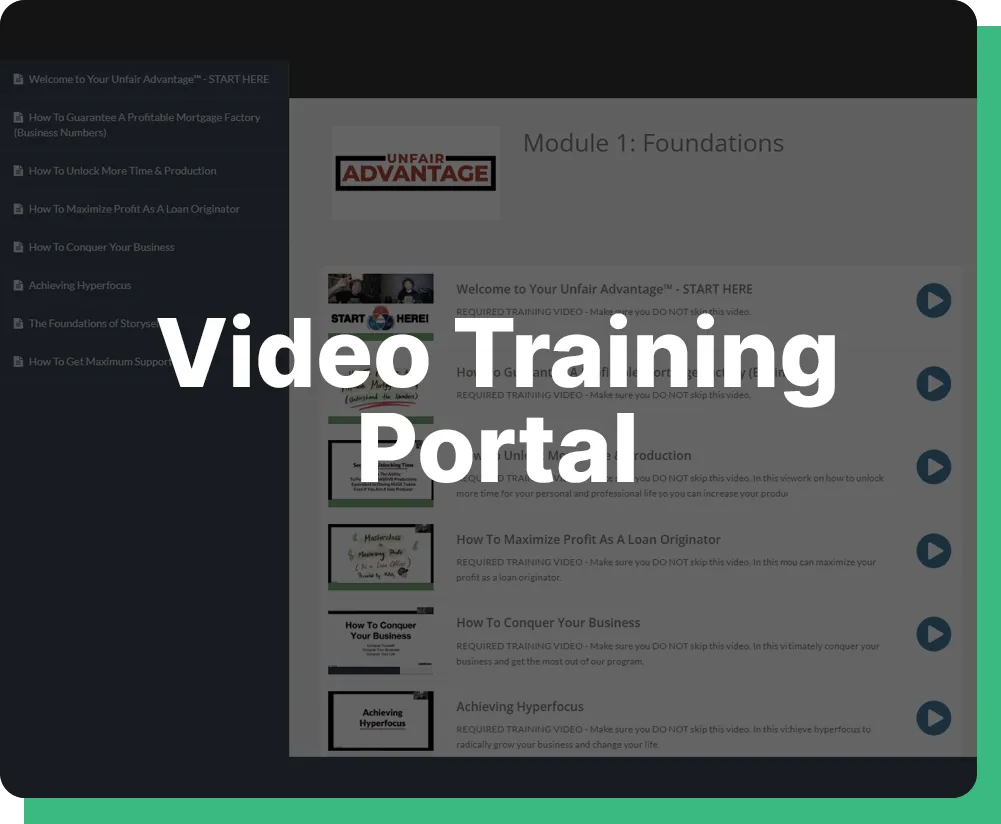
✔ Watched the full training videos
✔ Completed your setup
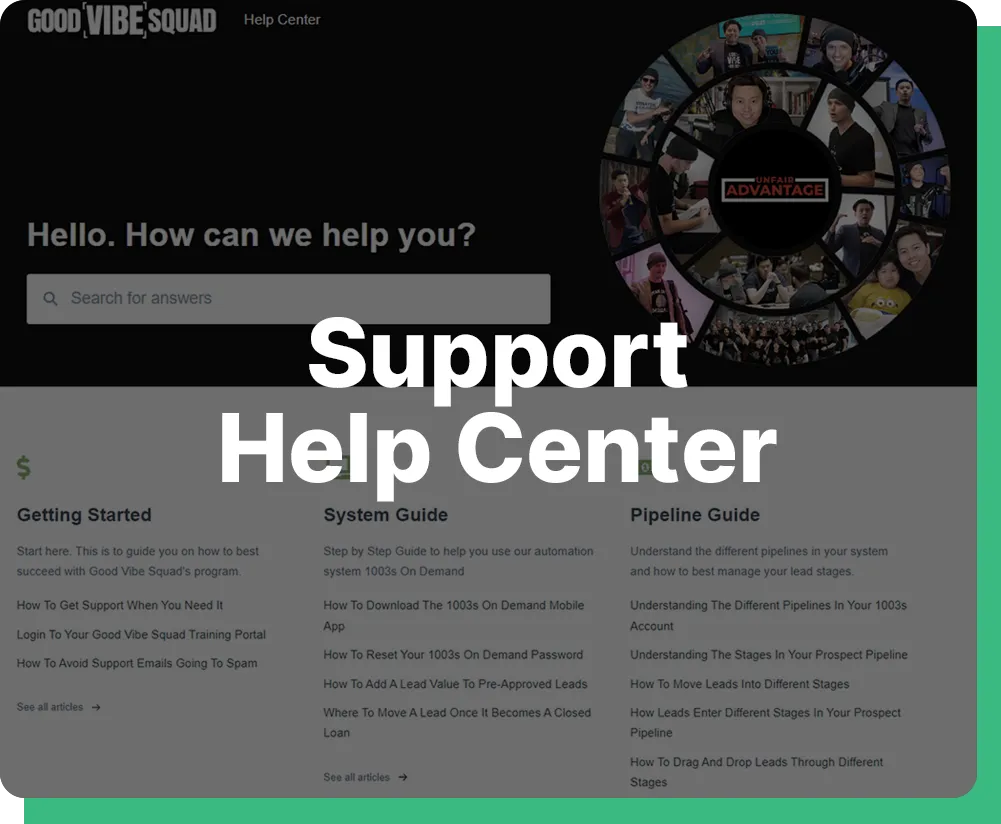
✔ Checked this FAQ sections
This system is designed to be simple and duplicatable.
The more you take ownership, the faster you’ll win.
🚀 Getting Started
Where do I start once I get access to the CRM?
Start by watching the onboarding videos in order from top to bottom. Then log in and complete your setup checklist which includes your profile, calendar, and pipeline. Do not skip steps or you’ll create problems later.
How long does it take to fully set up my account?
Most agents can get fully set up within 30–45 minutes if they follow the videos step by step.
Do I need prior CRM experience to use this?
No. Everything is designed for beginners. If you can follow instructions and take action, you’ll be fine.
Setting Up CRM & Purchasing Your Phone Number
Import Leads Into CRM
ADD Leads to Auto Dialer
CRM Setup & Configuration
How do I connect my calendar for appointments?
Go to your calendar settings and connect your Google Calendar. Make sure your availability is set correctly or you won’t receive bookings.
Why am I not receiving booked appointments?
This is usually caused by one of three things:
1. Calendar not connected
2. Availability not set
3. Notifications not turned on
How do I set up my pipeline correctly?
Your pipeline is already pre-built. Your job is to call your leads after importing them.
🤖 Automations & Workflows
What are automations and do I need to touch them?
Automations are pre-built follow-up systems that work in the background. You do not need to do anything.
Why did a lead get moved automatically?
That means a workflow triggered based on their action such as booking, responding, or not responding.
Can I turn off automations?
No. These are designed to help you close more deals. Turning them off will hurt your results.
📩 Messaging & Notifications
Why are my texts or emails not sending?
Check that your phone number and email are properly connected and verified inside the CRM.
How do I respond to incoming messages?
Go to Conversations inside the CRM and reply directly there. Everything is tracked in one place.
🧠 Expectations & Mindset
Will this system work for me?
Yes, if you work it. The CRM is just a tool. Your results come from your effort and consistency.
What’s the biggest mistake new agents make?
Overthinking and not taking action. Follow the system and execute daily.
Register For Weekly Live Calls
Real Talk Lenders-To-Lenders Session

Tuesday 10am PST / 1pm EST
Peak Performers Session With Preston
Wednesday 1pm PST / 4pm EST
Ninjas Session
With McBilly
Thursday 1pm PST / 4pm EST
Beyond the App With Jackie Dunlap
Friday 10am PST / 1pm EST
6 Daily Activities For Success:
1. Task List Review
Take note of any tasks that were not completed the day before. Create a daily to-do list and determine which tasks are the most time-sensitive. Any issues with a file that require help from underwriters or processing should be addressed asap and not left until the end of day.
CLICK HERE for more in-depth instructions
2. Appointments
Review your calendar to see which appointments you have for that day. Commit to showing up on those booked appointments.
CLICK HERE for more in-depth instructions
3. Follow Up On Docs Requested
For leads who have started the application process but have not yet sent in the required documents: Reach out to them and ask if they need any help sending in documents. You can use the “Docs Requested Follow Up” template when reaching out to these leads.
CLICK HERE for more in-depth instructions
4. Follow Up On No Shows
For leads who booked an appointment with you but didn’t show up: Reach out to these leads to get them rescheduled. You can use the “No Show Follow Up” template when reaching out to these leads.
CLICK HERE for more in-depth instructions
5. Follow Up On In-Contact
Leads that fall under the “In-Contact” stage are waiting on you to respond to their latest message or phone call. Make sure to respond to them in a timely manner. If the lead last contacted you via email, you should respond to them via email. If they last contacted you via text, respond via text. If they last contacted you via phone call, respond via phone call.
CLICK HERE for more in-depth instructions
6. Powerdial Leads
For “New Leads” who have entered your pipeline but have yet to schedule an appointment with you: Use your powerdialer feature to quickly and efficiently call this list of leads. To learn how to effectively powerdial leads, click here.
CLICK HERE for more in-depth instructions
Tools & Resources







My Personal Links
Calendar Links
Hero Home Program Page - For New Leads Eligibility Call
https://www.herohomeprogram.com/az-john-doe
General Calendar - w/General Appt Reminders
https://www.herohomeprogram.com/az111-mycalendar
Realtor Partner Calendar
https://www.homeheroprograms.com/az111-1-re
Call Funnels
First Time Home Buyer
https://www.homeheroprograms.com/az111-home-buyer
Healthcare
https://www.homeheroprograms.com/az111-credit-repair
Teacher
https://www.homeheroprograms.com/az111-home-moving
First Responder
https://www.homeheroprograms.com/az111-home-ownership
Veteran
https://www.homeheroprograms.com/az111-home-ownership
USDA
https://www.homeheroprograms.com/az111-home-ownership
Government Employee
https://www.homeheroprograms.com/az111-home-ownership
Union Member
https://www.homeheroprograms.com/az111-home-ownership
Lead Magnet Funnels - Secret Report
First Time Home Buyer
https://www.homeheroprograms.com/az111-home-buyer
Healthcare
https://www.homeheroprograms.com/az111-credit-repair
Teacher
https://www.homeheroprograms.com/az111-home-moving
First Responder
https://www.homeheroprograms.com/az111-home-ownership
Veteran
https://www.homeheroprograms.com/az111-home-ownership
USDA
https://www.homeheroprograms.com/az111-home-ownership
Government Employee
https://www.homeheroprograms.com/az111-home-ownership
Union Member
https://www.homeheroprograms.com/az111-home-ownership
Support & Training